How to Clean a Quiet Voice Recording With Background Noise
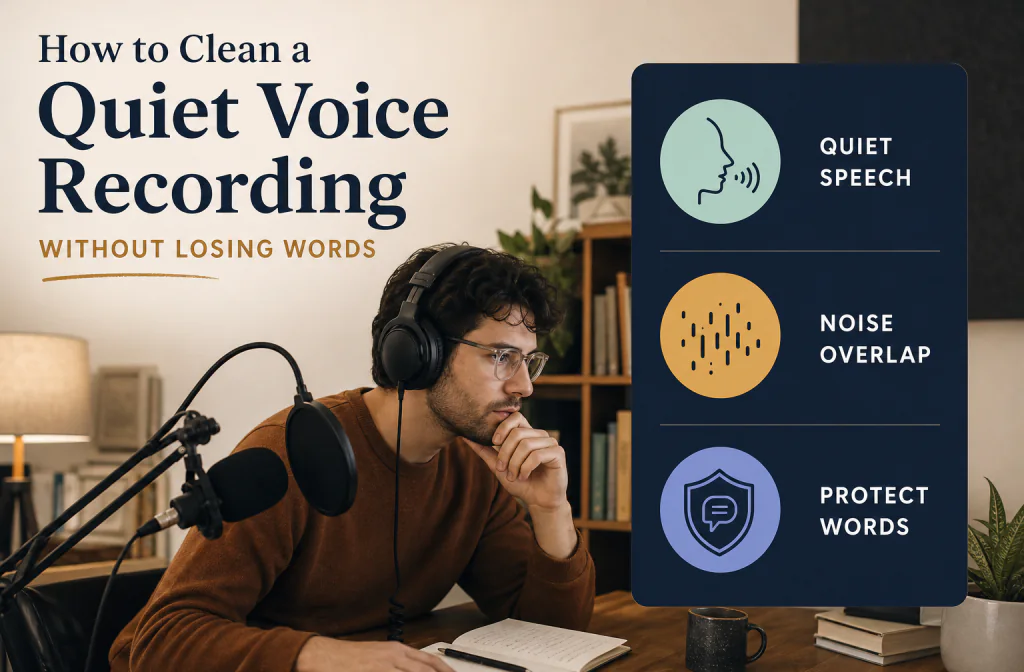
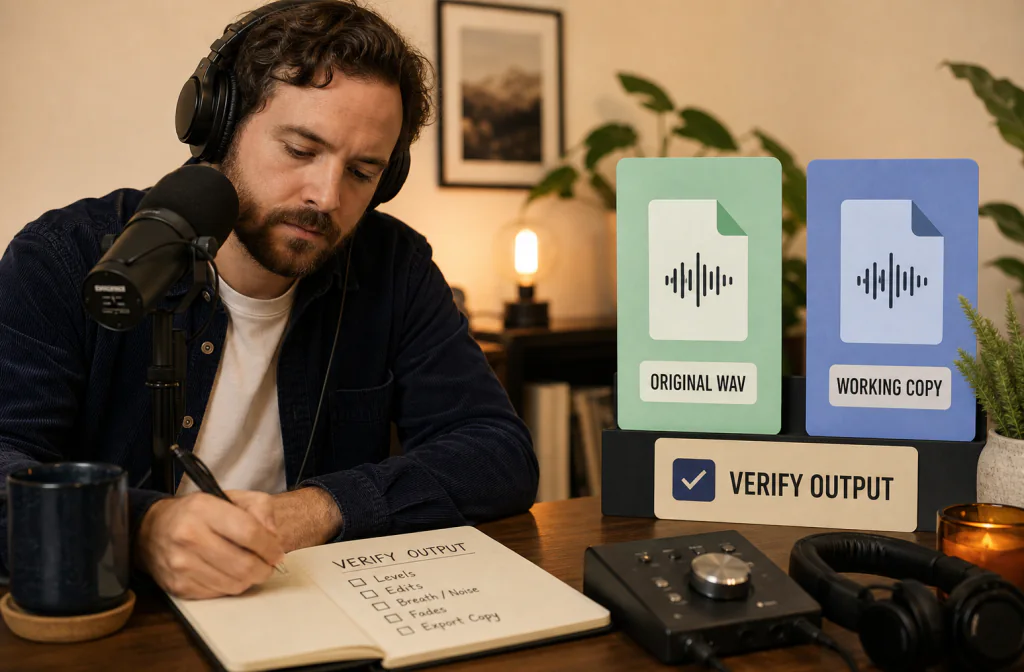
Clean a quiet voice recording with background noise by protecting soft words, testing a conservative pass, and recognizing when speech cannot be recovered.
Tested workflows and practical guidance for reducing background noise while keeping speech clear and natural.

Clean a quiet voice recording with background noise by protecting soft words, testing a conservative pass, and recognizing when speech cannot be recovered.
More from Noise Cleaner
Step-by-step cleanup guidance, listening checks, and clear limits.

Clean an M4A voice recording from a preserved working copy, avoid unnecessary conversion, compare the same words, and verify editing compatibility.

Clean online course video audio consistently by grouping lessons, testing one representative file, repairing local issues, and reviewing learner playback.

Clean webinar recording audio by reviewing host, guest, and screen-share passages, preserving timing, and verifying the final on-demand replay.

Reduce wind noise in a video by grading the damage, testing dialogue on a copy, choosing local repair or re-recording, and checking sync.

Learn why a voice can sound metallic after noise reduction, how to return to a clean source, test a lighter path, and decide when to re-record.

Distinguish hiss, hum, and static by sound pattern and trigger, check the recording chain, and choose a safer cleanup or repair path.

Identify and reduce hiss in a voice recording by separating it from hum or static, testing speech overlap, and keeping the voice natural.

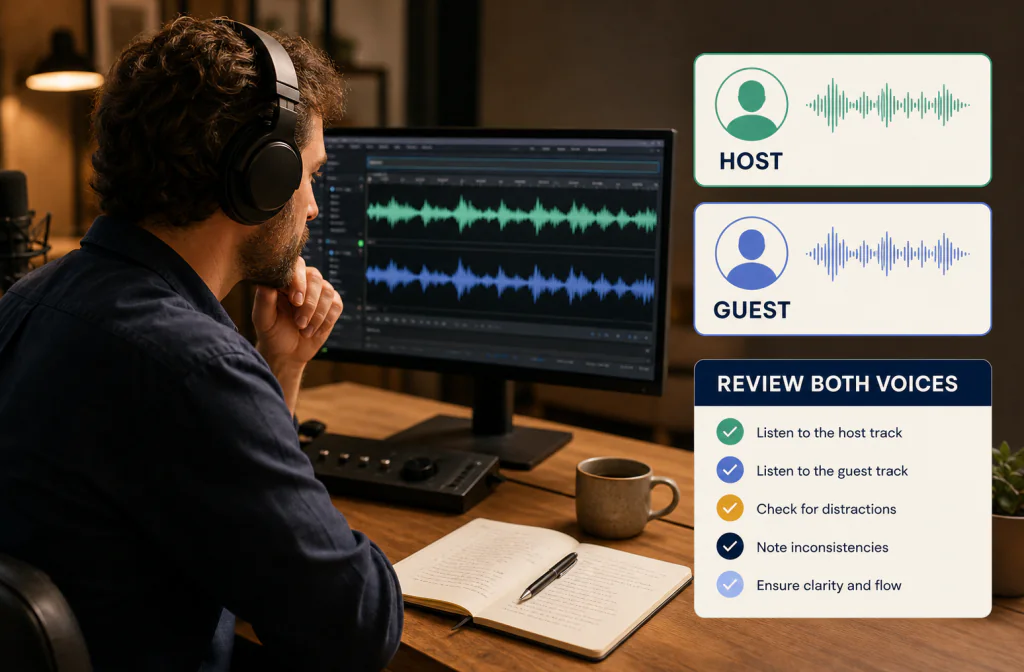
Clean YouTube interview audio before editing by reviewing host and guest passages, preserving the source, checking overlap, and protecting video sync.

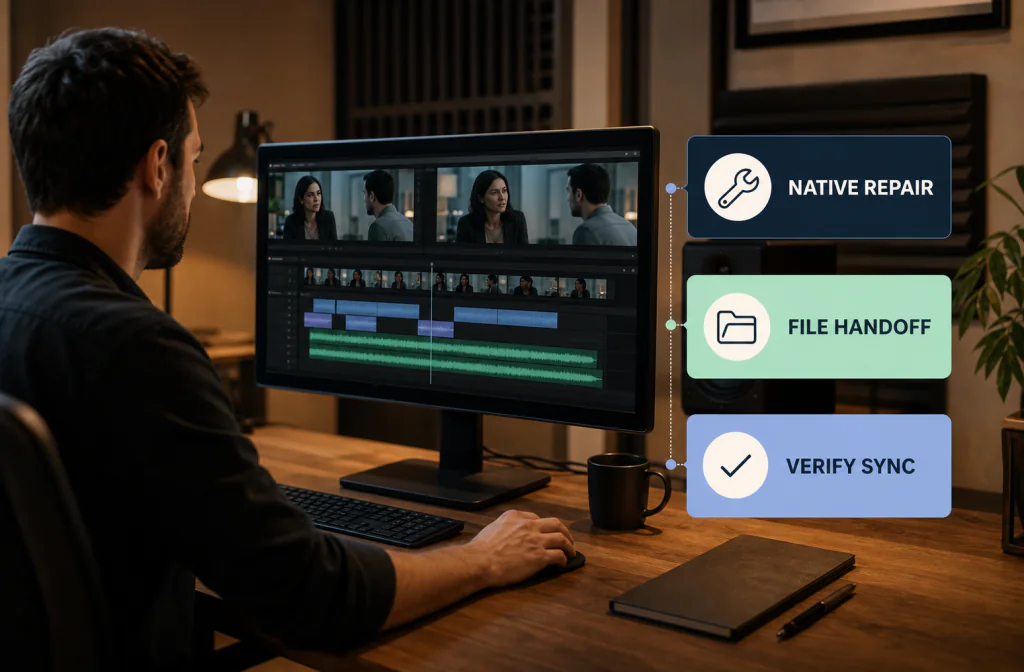
Remove background noise in Premiere Pro with a current native dialogue test, conservative review, and an export-clean-reimport fallback.

Remove background noise in CapCut by testing the current native option first, reviewing speech, and using an exported-video fallback when needed.

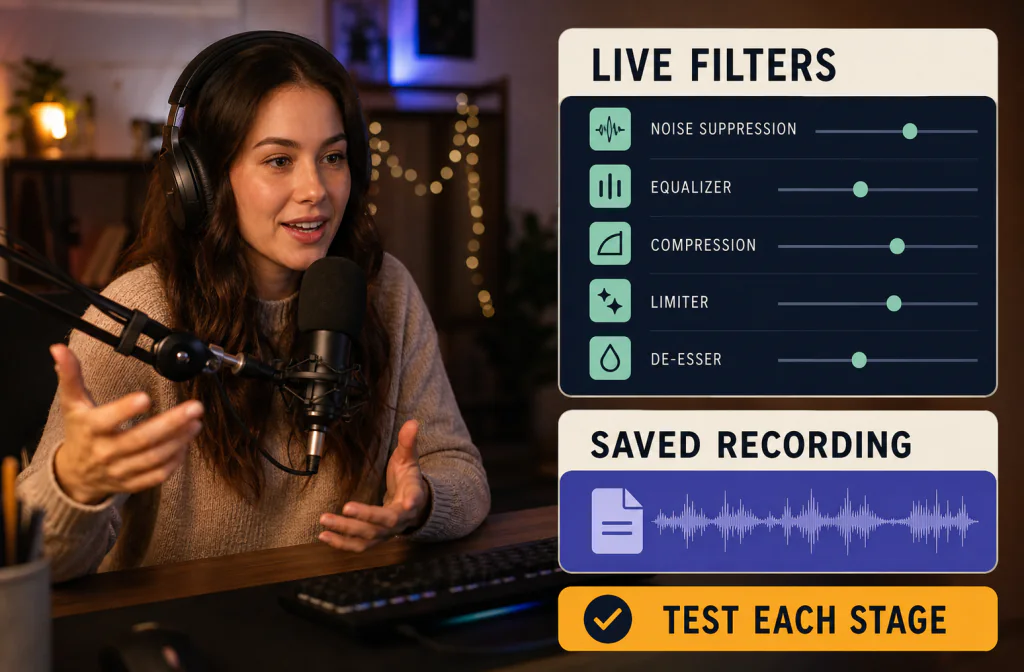
Remove background noise in OBS with a current native-filter test, saved recording review, troubleshooting guidance, and a post-recording fallback.

Clean a podcast interview before publishing by reviewing each speaker, preserving separate tracks, checking difficult passages, and verifying delivery files.

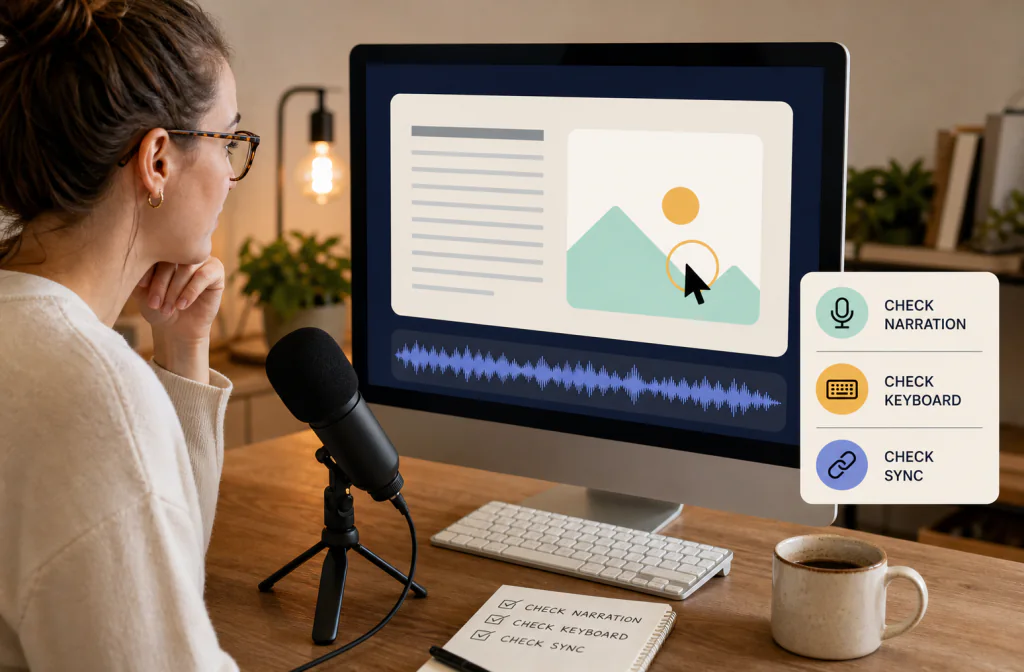
Clean screen-recording audio without breaking timing. Test representative narration, preserve the source, and verify the final share file.

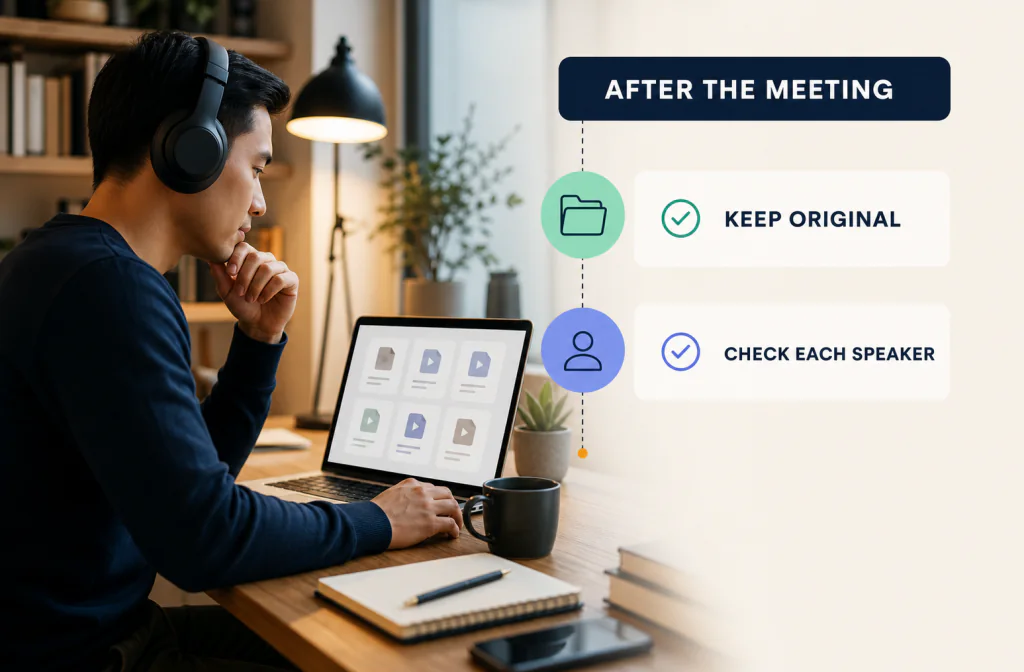
Clean a saved Zoom recording after the meeting with speaker-by-speaker review, privacy checks, realistic limits, and a verified final export.

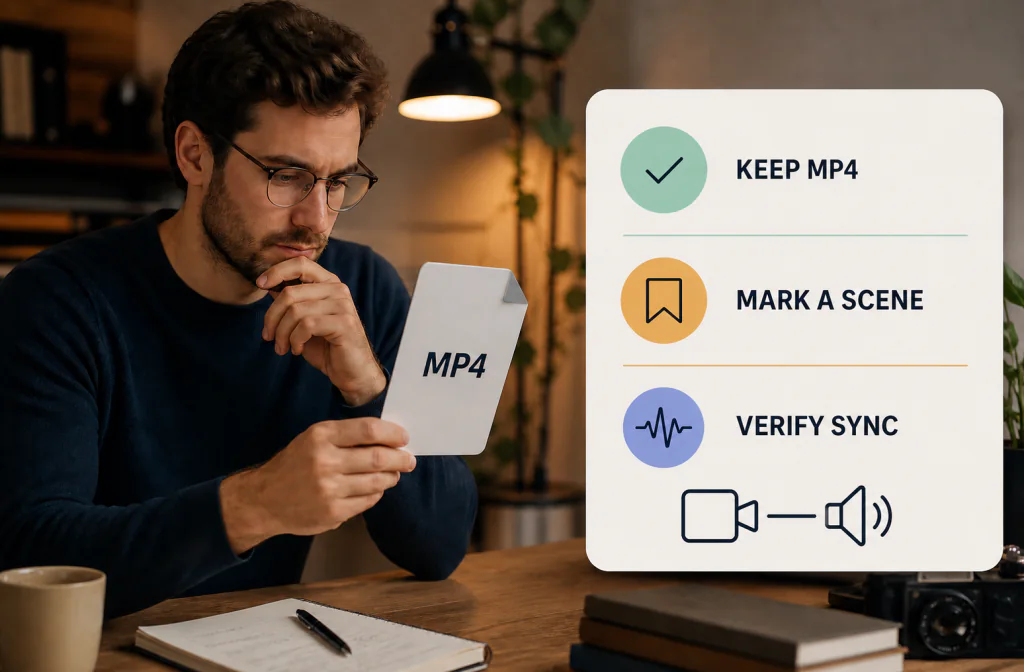
Clean audio in an MP4 file with a preserved source, a tested direct-video or audio-export path, matched dialogue review, and sync verification.

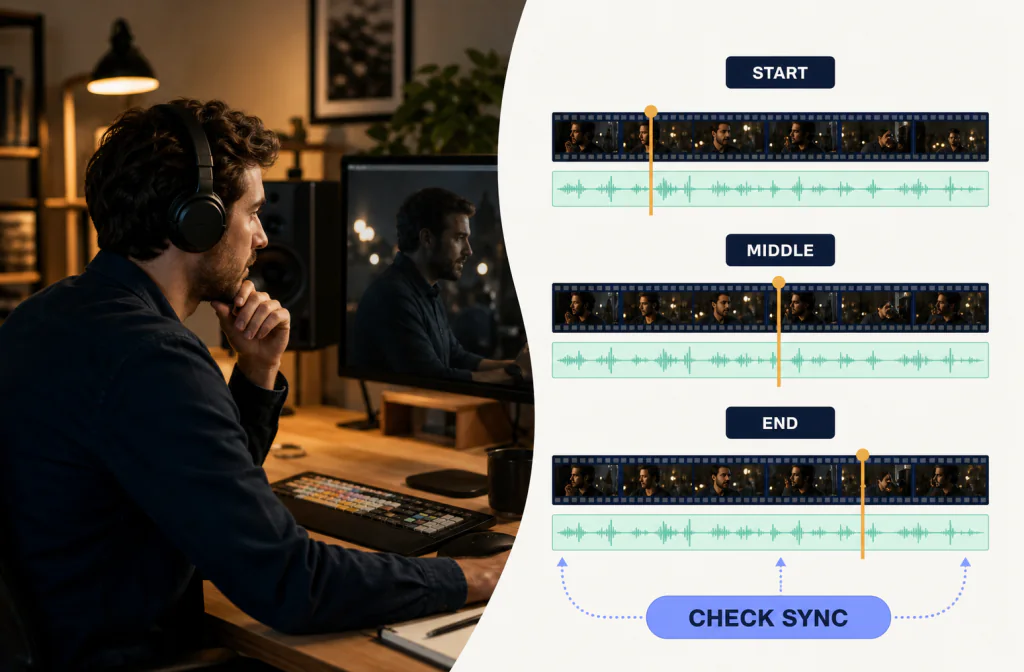
Keep video and audio in sync during cleanup by locking timing, checking the beginning, middle, and end, and verifying the final rendered file.

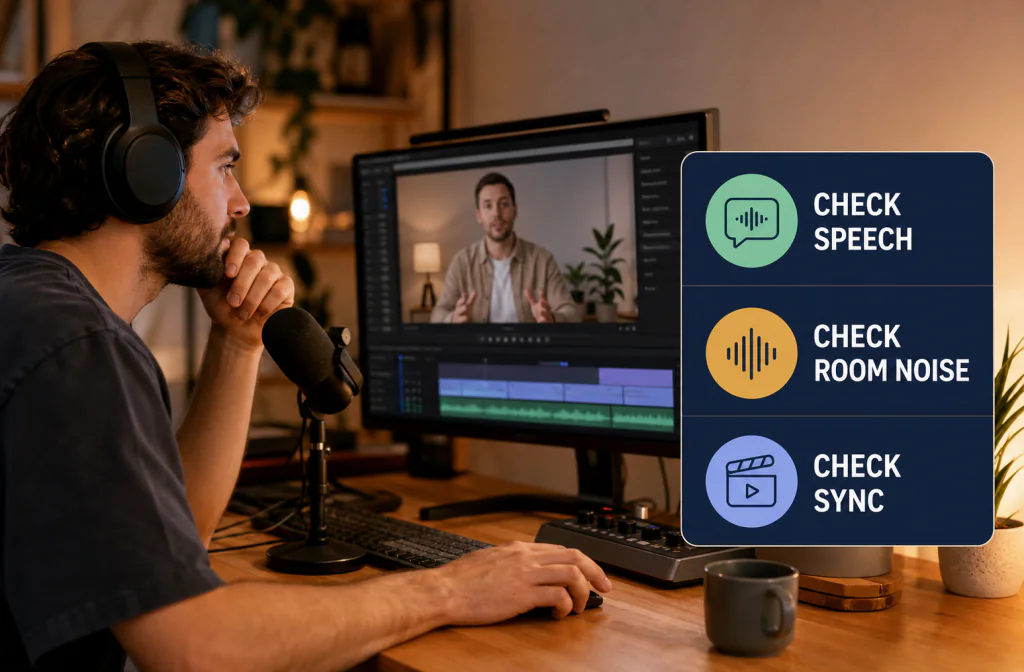
Clean talking-head video audio with a saved-file test, dialogue-first review, realistic repair limits, and final lip-sync checks before publishing.

Clean WAV audio from a preserved working copy, compare the same speech passage, verify the output, and avoid conversions that add uncertainty.

Clean an MP3 recording without overwriting the source. Compare the same passage, verify the download, and avoid unnecessary lossy conversions.

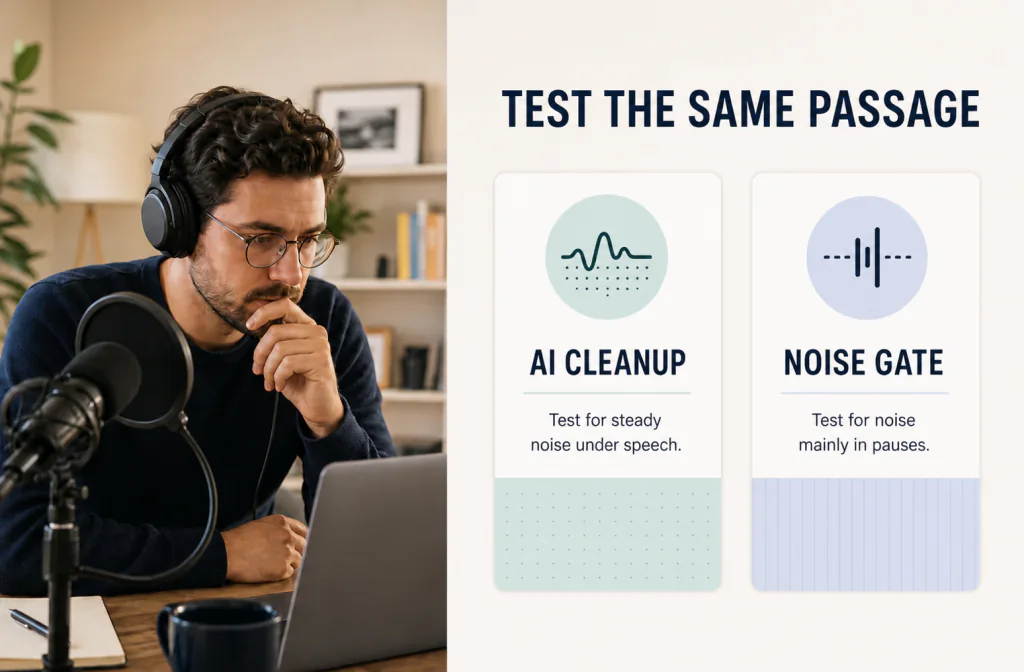
Compare AI noise reduction and a noise gate by where the noise appears, how each affects speech, and when another repair path is safer.

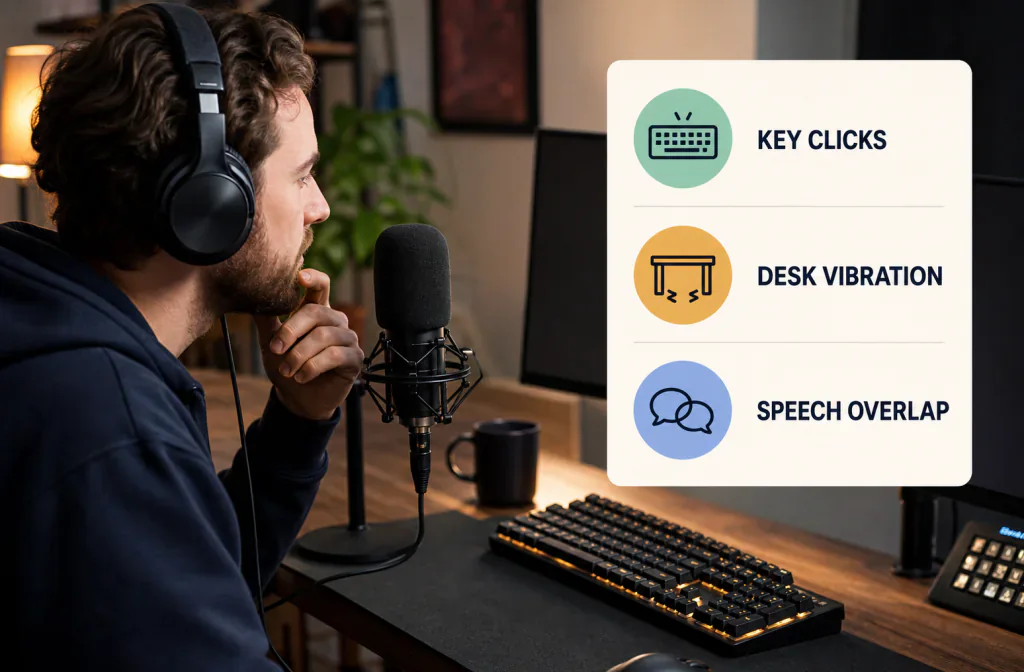
Reduce keyboard noise in a recorded voice track with a diagnosis-first workflow, fair A/B review, local repair options, and realistic limits.

Identify fan noise in a voice recording, test cleanup safely, compare the same spoken passage, and know when manual repair or re-recording is better.

Remove background noise from a voice recording, compare the same passage, hear a real example, and know when to repair or re-record.

Clean a saved microphone recording with a review-first workflow, a real Before-and-After example, realistic limits, and safer alternatives.

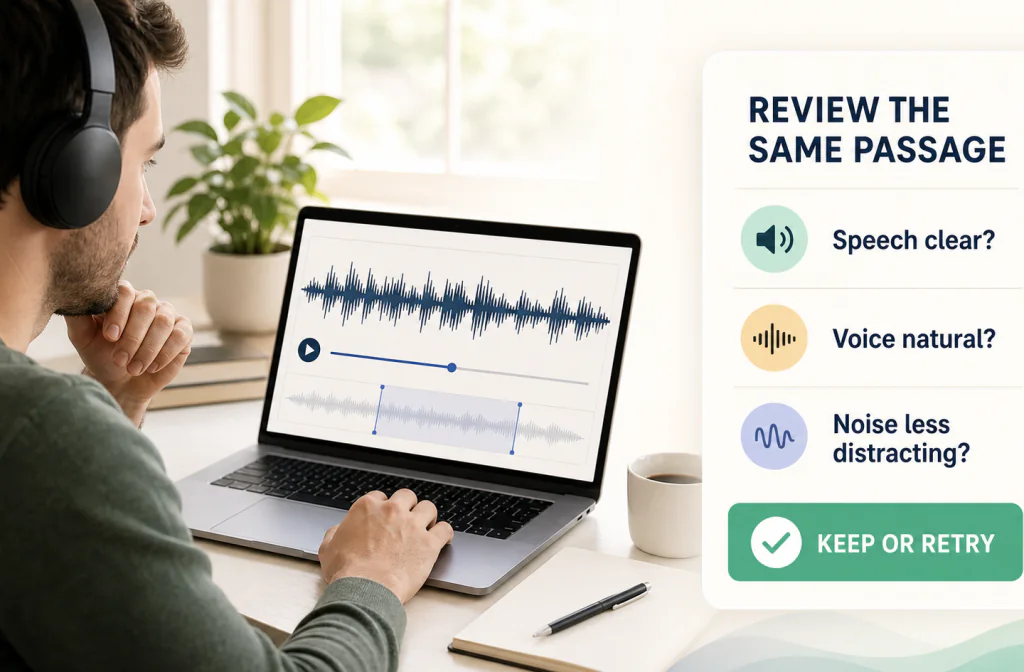
Compare audio before and after noise reduction fairly. Match the same passage, catch voice artifacts, and decide whether to keep the cleaned file.

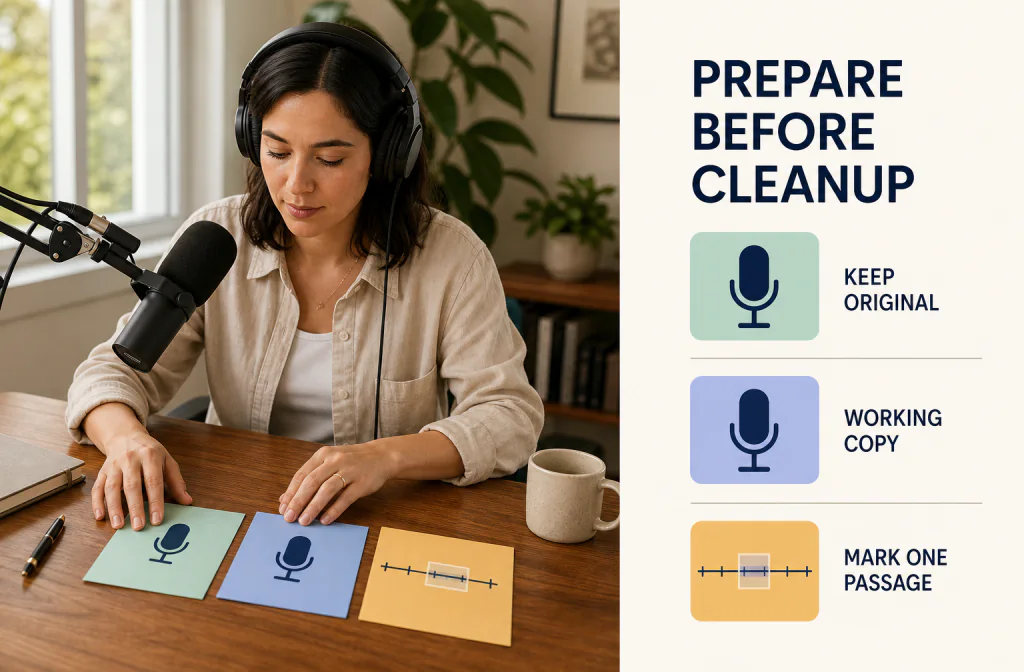
Prepare audio for noise reduction without overwriting the source. Follow a practical file, listening, comparison, and cleanup checklist before upload.

Learn how to remove background noise from a recording with a tested AI workflow, a real Before/After example, practical steps, and clear limits.
Continue as a guest for one real processed preview up to 30 seconds, or sign in and use sufficient Processing Minutes for direct full processing.
Upload a file