How to Clean a Podcast Interview Before Publishing
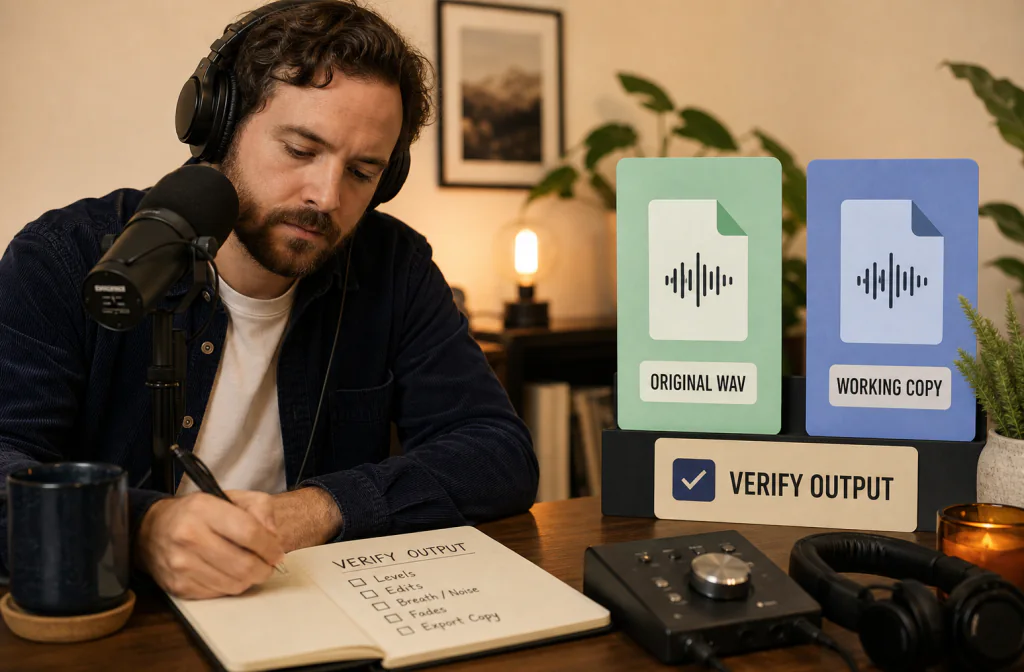
Clean a podcast interview before publishing by reviewing each speaker, preserving separate tracks, checking difficult passages, and verifying delivery files.
To clean a podcast interview before publishing, preserve every original track, choose passages containing both speakers and the main noise, process a copy, and compare the same words at a similar playback level. Noise Cleaner can support saved-file cleanup, but it is not a complete podcast mastering suite and should not be treated as automatic loudness, mixing, or speaker separation. Keep a cleaned track only when each speaker remains intelligible and natural. Overlapping voices, clipping, strong echo, and inconsistent microphones may need manual editing or a new recording.
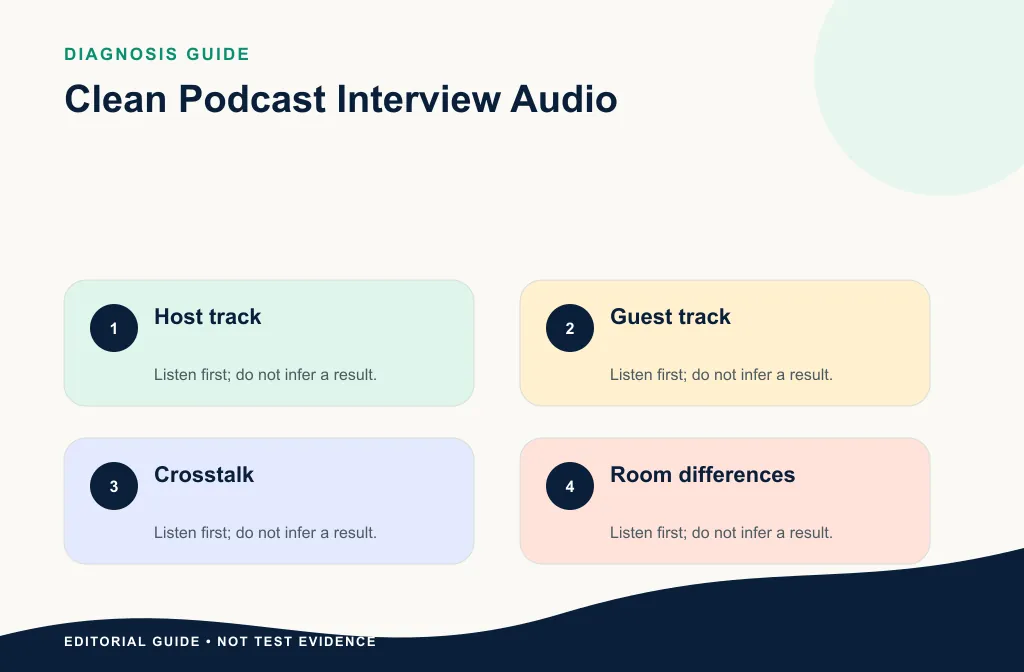
The listener hears a conversation, but you should review it as several source conditions: host microphone, guest microphone, overlap, room tone, remote-call artifacts, and music or transitions. Clean the smallest useful source, then finish the episode in the editor that owns the arrangement and delivery.
Start with the interview structure
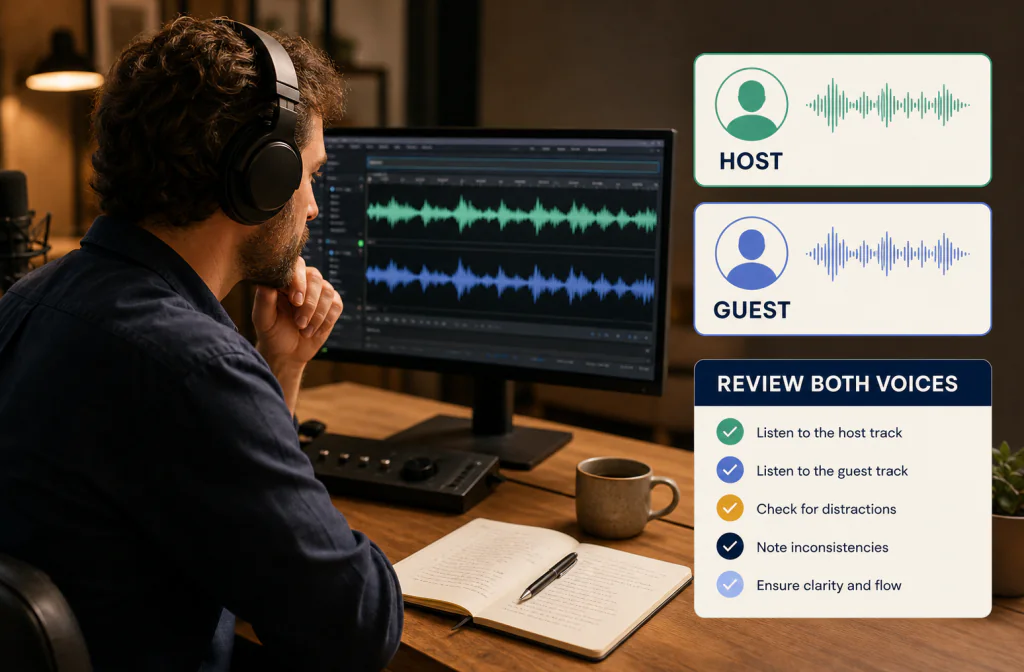
Determine whether you have separate speaker tracks or one mixed recording. Separate authorized tracks make it easier to treat different microphones and noise conditions without changing both voices at once. If only a mixed file exists, test the quietest and loudest speaker before processing the full episode.
Use the WAV cleanup guide when you have a lossless source. If steady hiss is the main problem, start with the hiss diagnosis workflow.
Inventory every source before choosing one
List the host track, guest track, combined call recording, camera scratch track, backup recorder, and any downloaded platform files. Listen briefly to each. A backup may contain a cleaner voice even if its filename looks less important. Do not convert or merge tracks until you know which source will be edited.
When only a mixed file exists, mark speaker changes and do not assume one pass will suit both voices. A loud close-mic host and a quiet remote guest create different risks. Process a copy of the mix conservatively, or use section-level editing where the recording changes.
Define a publishable decision
Noise cleanup is only one part of podcast finishing. Decide what this pass must accomplish: reduce fan or room distraction, preserve names and soft consonants, and create a file ready for editing. Do not combine that decision with unverified loudness, music mixing, chapter, or hosting claims.
Choose two or three representative passages:
- host speaking alone;
- guest speaking alone;
- both speakers or noise during an important answer.
Record timestamps and transcript excerpts for each.
Add a laugh, breath, or emotional passage if the episode contains one. Cleanup that protects ordinary speech can still damage laughter or softer vocal texture. Include one section with noise under speech rather than judging only a silent pause.
Define the acceptance decision before processing:
- Every name, number, and quiet word ending remains clear.
- Host and guest both sound natural at a reasonable level.
- Residual noise is less distracting but room continuity remains believable.
- Overlaps, edits, and laughter do not pump or become metallic.
- The returned file still fits the editor and final delivery workflow.
Process the right copy
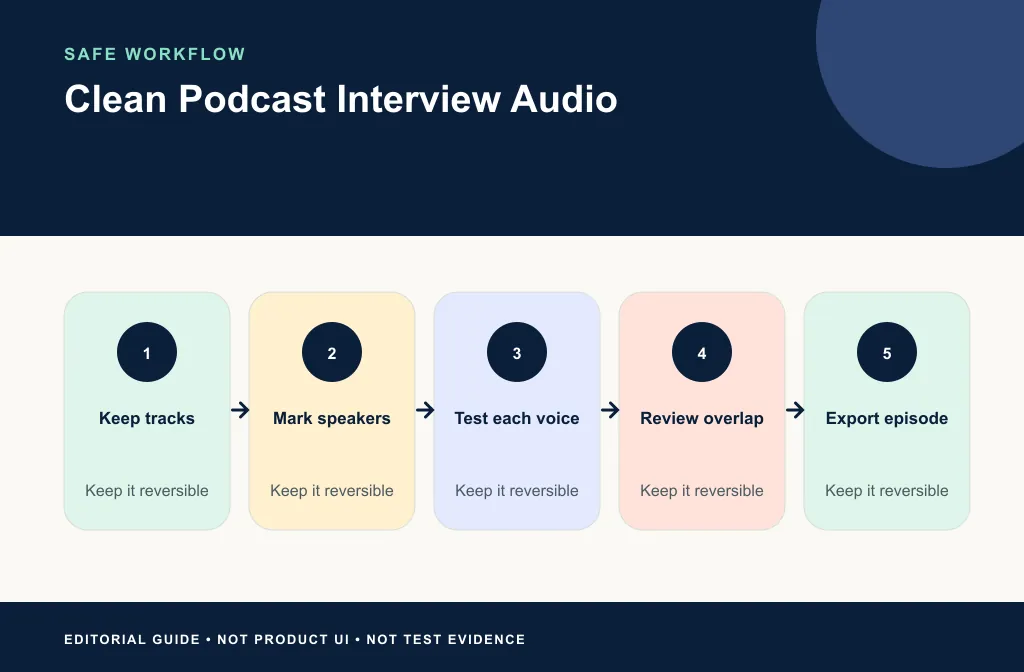
- Preserve the raw files and editing project.
- Duplicate the selected track or mix.
- Record input format, duration, channels, and interview context.
- Verify the current product accepts the file.
- Upload the copy through Noise Cleaner.
- Preview every marked passage, not only the cleanest one.
- Download and verify format, duration, and playback.
- Return the reviewed file to the editing or publishing workflow.
Compare the same words fairly
Use short A/B switches at a similar level, then listen through the full answer. The short switch reveals distraction and tonal changes; the longer listen reveals pumping, inconsistent room tone, and fatigue. Review on headphones and an ordinary speaker. A brittle guest voice that sounds acceptable on studio headphones may be unpleasant on a phone.
After download, check duration, channels, and the beginning and end. If separate tracks must line up again, return them to the same project start and verify a clear sync point. Do not trim leading silence casually when it anchors the session.
Review voices separately
Ask whether the host and guest both improved. A setting that helps a close, loud microphone may make a quiet remote guest sound thin. Listen for word endings, breaths, laughter, and room continuity. Document residual noise instead of hiding it behind a broad claim.
If processing creates a metallic voice, return to the original and use the artifact recovery guide. For a Zoom-sourced interview, continue with the post-meeting Zoom workflow.
Match the method to the podcast problem
| Problem | Better first move | Main limitation |
|---|---|---|
| Steady fan or room wash on one track | Test that speaker's track | Speech may become dull if pushed |
| Hiss on both tracks | Diagnose the source and test separately | One setting may not fit both microphones |
| One click or bump | Local edit | Whole-file processing is unnecessary |
| Remote-call breakup | Select alternate local recording if available | Missing packets cannot be recreated |
| Two speakers talking over each other | Editorial cut or accept overlap | Both voices are wanted content |
| Clipped guest answer | Backup source or pickup recording | Noise reduction cannot restore lost peaks |
Finish in the correct tool
Use your editor or podcast workflow for trimming, arranging, music, fades, and delivery settings. Audacity users can follow the native Noise Reduction and export guide for a manual alternative. AI cleanup should not be described as replacing all editorial decisions.
Keep cleanup before the final mix when possible, but after you have chosen the correct takes. Then use your editor for crosstalk cuts, breath decisions, music balance, fades, and delivery export. Preserve a reviewed intermediate master so a later platform conversion does not become the only copy.
Limitations and artifact risks
- Cleanup cannot separate two wanted speakers reliably from a mixed overlap.
- Remote-call compression and dropouts may have removed speech detail.
- Different microphones and rooms may need different treatment.
- Strong reduction can damage laughter, breaths, and consonants.
- Automatic cleanup does not set final program loudness or music balance.
- A cleaner clip does not prove the episode is edited, synced, or ready to publish.
Keep some residual noise when removing more would hurt the voice. Use local spectral or clip repair for isolated events, and request a pickup line when a critical answer can be recorded again.
Privacy, consent, and source rights
Confirm that the host, guest, and producer have authorized processing and publication. Remove personal filenames, account details, and private transcript content from screenshots. Store the original independently from the cleaned output.
If the interview includes a client, employee, patient, student, or private community, follow the agreement that controls storage and third-party processing. Possessing the file is not the same as having permission to upload it.
Troubleshooting
The host improves but the guest sounds thin
Return to the separate sources if available and process them independently. If only a mix exists, use a lighter global pass and local edits for the host's noise.
Room tone disappears between edits
Restore a consistent natural bed from an authorized clean section or reduce the strength of cleanup. Abrupt silence can sound more distracting than low ambience.
The episode is clean in headphones but harsh on a phone
Recheck consonants and high-frequency artifacts at a matched level. Prefer the less processed version when the voice becomes brittle on ordinary playback.
Frequently asked questions
Should I clean separate tracks or the final mix?
Separate tracks are often easier to review because each microphone can have different noise. Test the actual workflow before deciding.
Does cleanup make a podcast publish-ready by itself?
No. Editing, level decisions, music, metadata, and platform delivery remain separate steps.
Can overlapping voices be separated?
This draft does not claim speaker separation. Treat overlapping voices as a limitation and review them carefully.
Should I normalize before comparing?
Use comparable playback levels, but do not hide tonal damage behind a louder output. Final level and loudness decisions belong to the mastering and delivery stage.
What should I keep after publishing?
Keep the raw authorized sources, editing project, approved intermediate, and delivery master according to your retention plan. Do not keep only the platform-compressed upload.
Related guides
- Clean WAV audio
- Identify and reduce hiss
- Recover from metallic speech
- Clean a Zoom recording after the meeting
- Use Audacity Noise Reduction and export
Sources and test notes
- Shure home-recording guidance recommends testing the recording area and maintaining consistent microphone placement.
- Audacity Noise Reduction manual explains why aggressive noise reduction can damage desired audio and why representative noise matters.
These sources support capture and conservative processing principles. They do not prove a result for a particular interview or define a podcast host's delivery settings.
Final publishing handoff
Use Noise Cleaner on authorized working copies when saved-file cleanup fits the real noise. Approve each speaker, check overlaps and emotional passages, and return the reviewed track to your editor for the actual episode finish. Keep the version that serves the conversation—not the one with the quietest pause—and return to the original when natural speech begins to disappear.