How to Clean YouTube Interview Audio Before Editing
Clean YouTube interview audio before editing by reviewing host and guest passages, preserving the source, checking overlap, and protecting video sync.

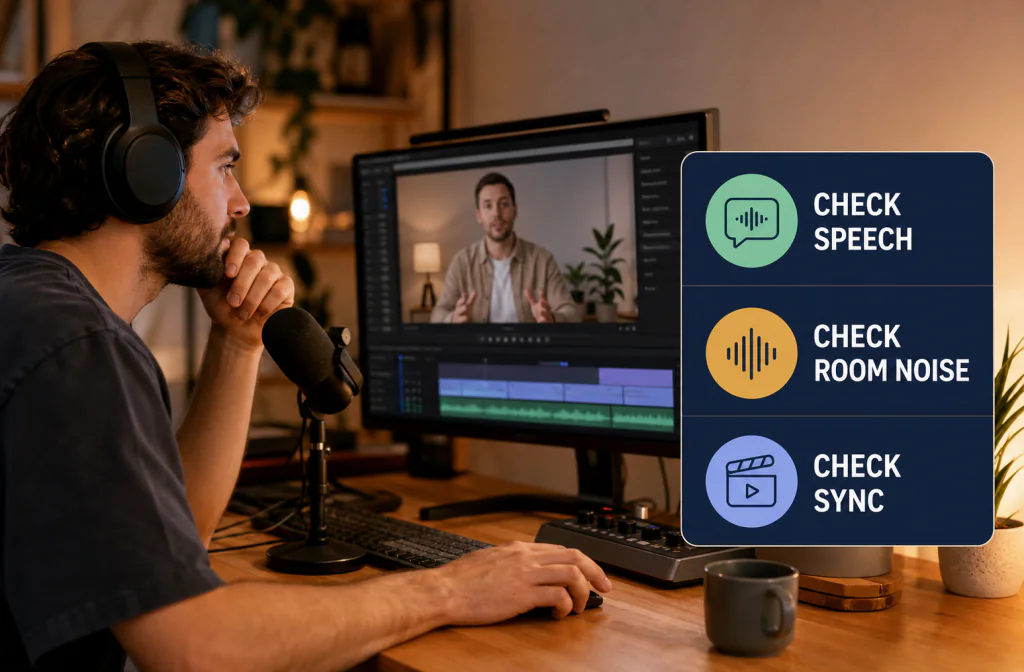
To clean YouTube interview audio before editing, preserve the camera originals and separate audio tracks, mark representative lines from both speakers, and test cleanup on copies before building the full edit around them. Noise Cleaner can support a saved-file test, but the direct-video or exported-audio route must be verified and the replacement must stay in sync. Keep a result only when both voices remain natural and intelligible. Wind, overlapping speakers, clipping, and large microphone differences may need local editing, separate-track treatment, or re-recording.
Clean the sources before committing to hundreds of cuts, but do not replace everything after one easy test. An interview is a changing system: two voices, multiple microphones, camera scratch audio, room tone, laughter, overlap, and sometimes outdoor noise. Approve each important condition before the full edit depends on it.
Inventory the interview sources
List every camera, recorder, lavalier, boom, and backup track. Identify which track is the sync reference and whether host and guest have isolated microphones. Keep the originals unchanged and note any drift, missing section, or clipping before cleanup.
For a single-camera speaker, use the talking-head cleanup guide. If outdoor wind is dominant, diagnose whether an alternate microphone or pickup recording preserves more speech before applying broad cleanup.
Choose the master source for each person
Solo the lavalier, boom, recorder, and camera scratch tracks. Note clipping, dropouts, clothing noise, room echo, and drift. The cleanest host track may not be the cleanest guest track. Keep scratch audio as a sync reference even when it will not be heard in the final edit.
If a backup recorder contains a better answer, align it before cleanup. If tracks were already mixed, mark speaker changes and use a conservative process; one setting across a loud host and quiet guest can make the guest thin.
Choose representative passages
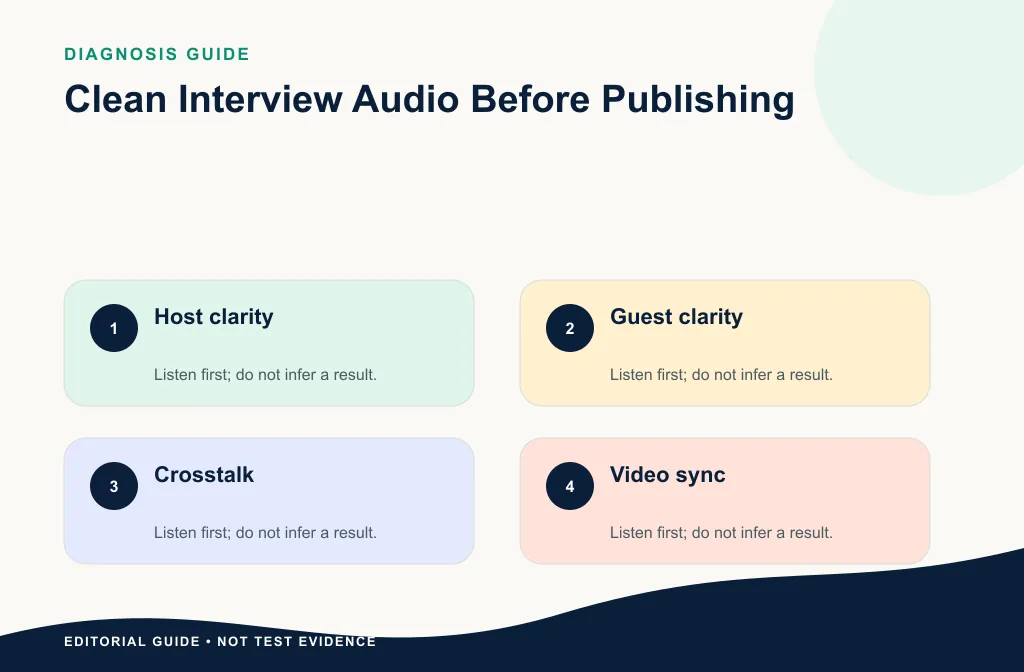
Select a short host passage, guest passage, overlap or laugh, and the worst realistic noise-under-speech moment. Record timestamps and transcript excerpts. A process that helps one microphone can damage another, so do not approve the result from only the strongest voice.
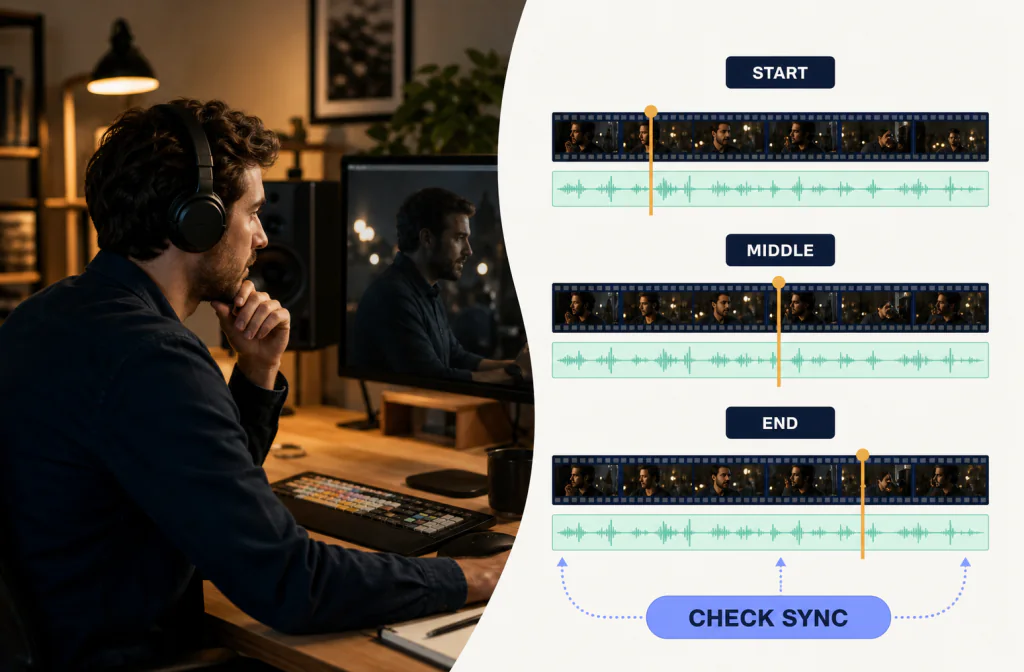
Include visible sync cues near the start, middle, and end. Closed-lip consonants, a clap, or a hard action are better references than long vowels. Add one passage with music or room ambience when those sounds will remain in the final cut.
Use the following acceptance checklist:
- both speakers remain recognizable and natural;
- names, numbers, and soft word endings stay complete;
- overlap and laughter do not pump or become watery;
- noise is less distracting under speech;
- all approved tracks still align with the picture;
- the output can be edited and rendered without a format surprise.
Clean before committing to the edit
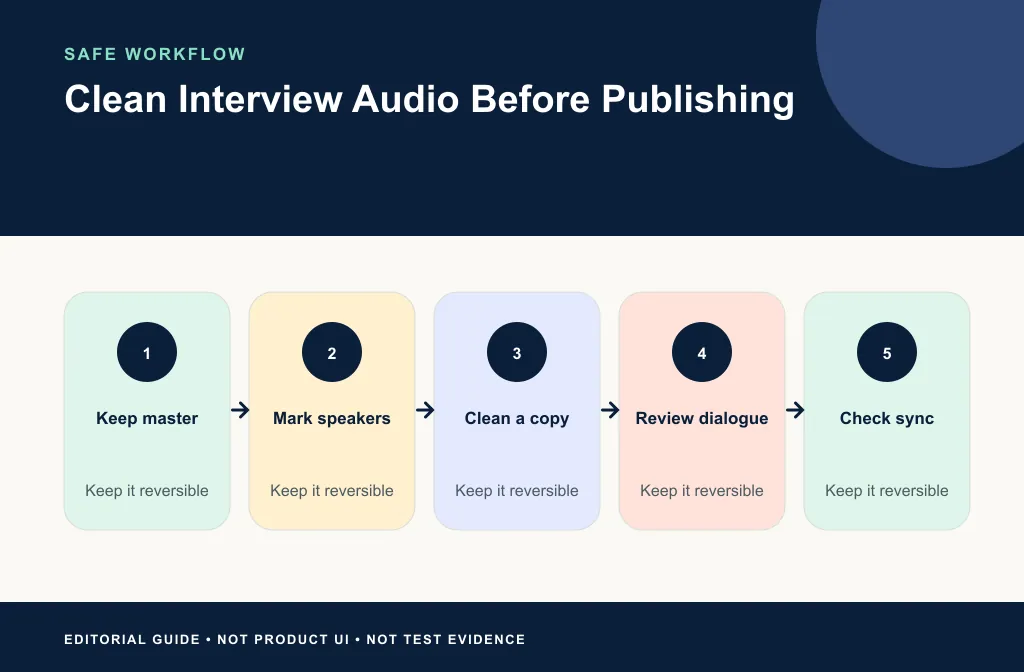
- Duplicate the project and selected source files.
- Preserve exact start times and sync references.
- Verify the current input path: direct video or exported dialogue.
- Upload only authorized test copies to Noise Cleaner.
- Compare the same host and guest lines.
- Download and verify duration and format.
- Reimport on new tracks and check sync.
- Build the edit from the approved version, while retaining the originals.
Keep timing attached to the sources
If you export dialogue, export from a known project start and preserve the same range for every isolated track. Do not trim to each speaker's first word. Reimport on new tracks, mute the originals, and check the same three sync cues. If a returned file has a different duration, investigate before stretching it.
For direct video, verify picture, audio, duration, and container after download. For audio handoff, verify channels and start point. Neither route is complete until a short rendered proof plays correctly outside the editor.
Review the interview as a viewer
Listen for names, soft consonants, laughter, interruptions, and natural room continuity. Check on headphones, phone, and laptop speakers. A voice that sounds “cleaner” but thinner or less human may not be an improvement.
Use the sync verification guide for any replacement track. If you edit in CapCut, use the CapCut native and fallback guide. Premiere users can follow the Premiere file-handoff workflow.
Review without watching first so picture quality does not distract you from speech. Then watch lips, cuts, and reactions. Finally, test on an ordinary phone or laptop speaker. A voice that seems detailed on studio headphones can sound brittle after web playback.
Keep cleanup separate from final mixing
Noise cleanup does not decide music balance, cuts, transitions, captions, or platform loudness. Finish those choices in the editor after the dialogue source has been approved. Do not stack multiple automatic enhancers without testing each stage.
Use room tone intentionally under edits. Match cuts and speaker changes before music is finalized. Recheck captions after the approved dialogue is locked. Keep an intermediate dialogue master and the raw sources so a platform upload is never your only copy.
Choose the repair by problem
| Problem | First choice | Limit |
|---|---|---|
| Steady noise on one speaker | Test that isolated track | May change quiet consonants |
| Clothing rustle on a few words | Local repair or alternate mic | Broad processing may be excessive |
| Wind on outdoor answers | Wind diagnosis and alternate source | Gusts can mask speech |
| Two speakers overlap | Editorial choice or preserve overlap | Both are wanted content |
| Clipped camera scratch track | Use lav/boom/recorder source | Lost detail is not restored |
| Different room tone between cameras | Edit and mix in context | Cleanup alone will not match rooms |
Limitations and safer alternatives
- Cleanup does not separate two wanted speakers from an overlap.
- Camera, boom, and lav tracks may need different treatment.
- Wind and clipping can destroy information rather than add removable noise.
- File handoff adds channel, timing, and format risks.
- Platform transcoding may expose artifacts that were subtle locally.
- Clean dialogue is only one part of the final YouTube mix.
Use local editing for isolated problems, a backup microphone when it is cleaner, and pickup recording for an essential damaged line when possible. Accept some room noise when stronger processing makes a speaker less human.
Troubleshooting
One speaker sounds good and the other becomes metallic
Return to the isolated tracks and process them independently. With a mixed source, use a lighter pass and local edits around the noisier speaker.
Sync works at the start but drifts later
Compare durations and verify export range, sample-rate handling, and time stretching. Do not align only the opening slate.
The cleaned interview sounds disconnected between cuts
Restore consistent room tone and review the edit in sequence. A silent background on one answer can make the next angle sound abrupt.
Frequently asked questions
Should I clean every track?
Only process tracks that need it. A clean backup or close microphone may be safer untouched.
Can cleanup separate two people talking at once?
No reliable separation is assumed here. Preserve overlap and use editorial choices, isolated sources, or local repair.
When should I clean the audio?
Test early, before committing to the full edit, but keep the originals and delay destructive replacement until approval.
Should I process the camera scratch track?
Usually keep it for sync unless it is also the best available source. Compare the boom, lavalier, and recorder tracks before choosing what viewers will hear.
Should I clean the final music mix?
Prefer cleaning dialogue before the final mix. Processing a finished mix can change wanted music and ambience along with noise.
Related guides
- Clean talking-head video audio
- Keep cleaned audio in sync
- Remove noise in CapCut
- Use Premiere native cleanup and a file handoff
Sources and test notes
- Shure SM57 placement guidance documents practical microphone placement, source aiming, and unwanted-sound rejection principles.
- Apple QuickTime media-layout documentation provides official context for timed audio and video streams in containers.
These sources support capture and timing principles. They do not prove a result for a particular interview, editor, or Noise Cleaner handoff.
Final editorial handoff
Use Noise Cleaner on authorized copies only when the saved-file route fits the chosen sources. Approve host, guest, overlap, ambience, and sync separately, then build the edit from reviewed tracks while retaining the originals. The right result is the one that helps viewers follow the conversation without noticing the repair.