Remove Background Noise in BandLab: Denoise, Noise Gate, and an Export Review Workflow
In BandLab, start with Denoise on a copied audio region when the recording has a baseline background sound, then use a Noise Gate only when the unwanted…
Quick answer
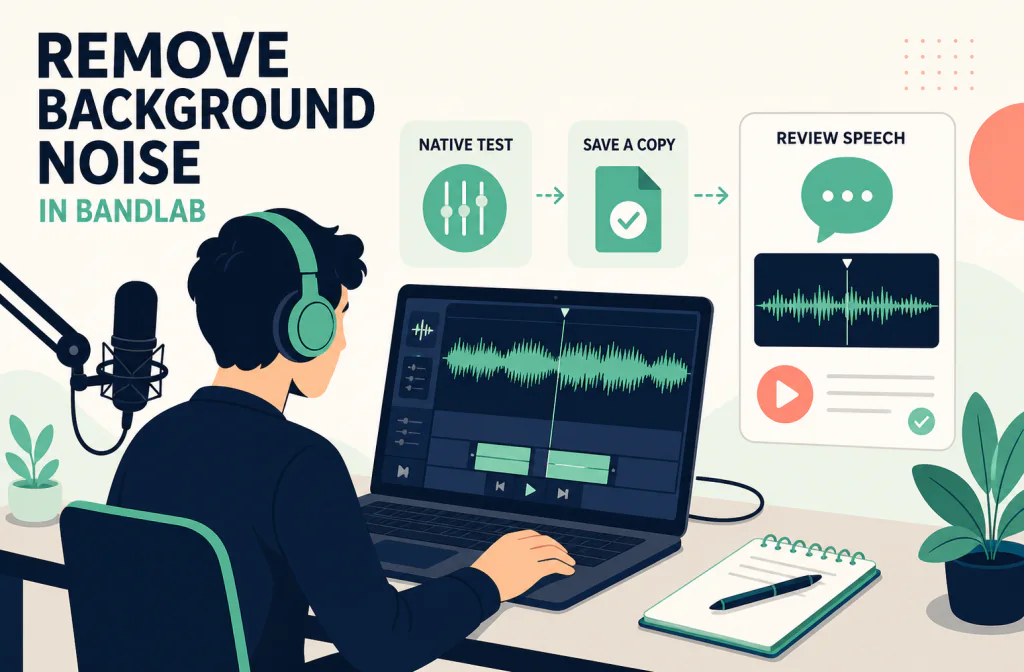
In BandLab, start with Denoise on a copied audio region when the recording has a baseline background sound, then use a Noise Gate only when the unwanted sound is mainly audible between phrases. Denoise is applied to the selected region; a gate is an FX decision based on level, so it can remove gaps and also cut quiet words if used carelessly. Compare one representative passage before you apply either approach broadly.
When the native track still needs a separate saved-file comparison, export a named copy and use a compatible file with Noise Cleaner's audio-cleaning route. That is a post-recording handoff, not a real-time BandLab filter or a guarantee that damaged speech can be recovered.
Start with the recording, not the preset
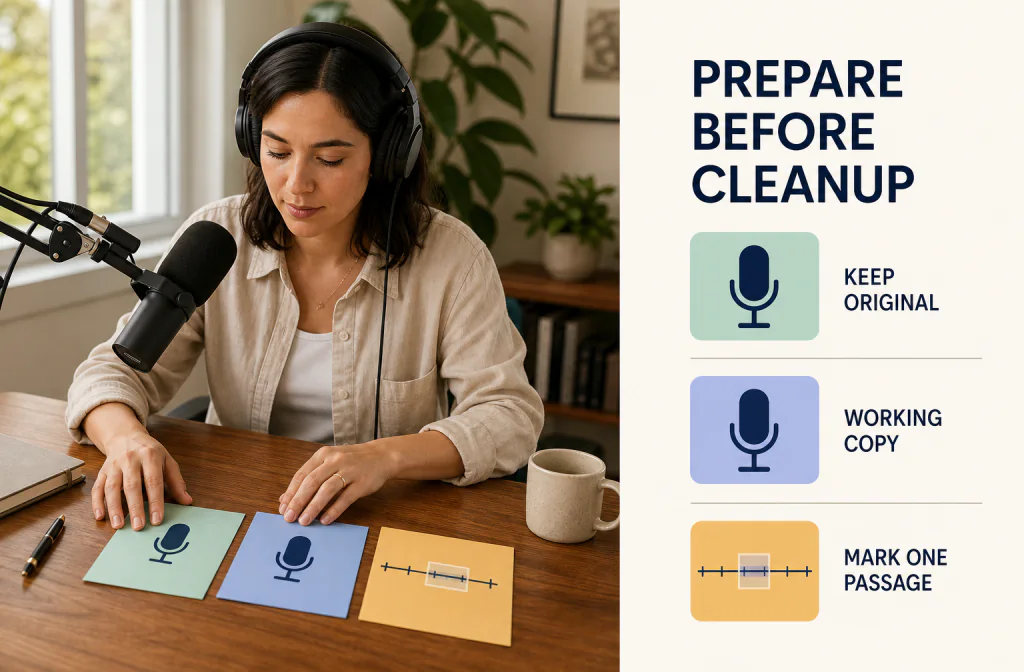
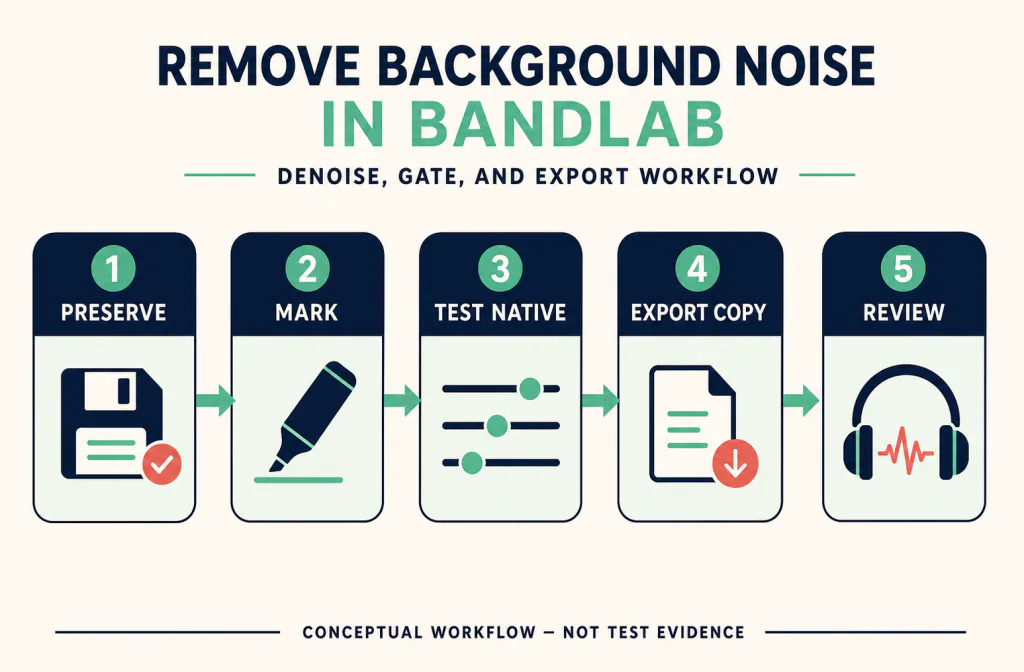
Open the project and identify the individual audio region that contains the problem. Do not start by treating the complete mix if the noise belongs only to a vocal or voiceover track. Duplicate the project or preserve an untreated version, then choose a 20-to-30-second passage containing a pause, quiet speech, normal speech, and the strongest noise. If the track includes music, another voice, or intentional ambience, listen to it in the mix as well as in solo.
The reversible copy guide helps keep the source available. Before deciding between two versions, use the same-passage review method. A lower noise floor or higher output level is not enough by itself; the words, timing, and wanted texture have to remain usable.
Use Denoise on the selected audio region
Confirm your environment against BandLab's supported platforms and system requirements. Its noise-issues guide supports diagnosing hum, hiss, clipping, and other recording problems before choosing a cleanup path. In the installed Studio, use Denoise only when that region action is present, then keep the test reversible by working from a copied region.
- Make sure you are working on the correct voice or audio region, not a complete project mix by accident.
- Right-click the region on web and select Denoise, or use the region's three-dot action menu on mobile and select Denoise.
- Listen to the selected review passage immediately after the action. Check the first and last syllables of each phrase, breaths, and the transition from a pause into speech.
- Use Undo if the voice becomes dull, phasey, overly smooth, or less intelligible. Do not hide a bad result by adding unrelated effects on top of it.
- Listen in the full arrangement before deciding. A change that seems useful on a solo vocal can make room tone or a music transition sound discontinuous.
Use a Noise Gate only for the gaps it can control
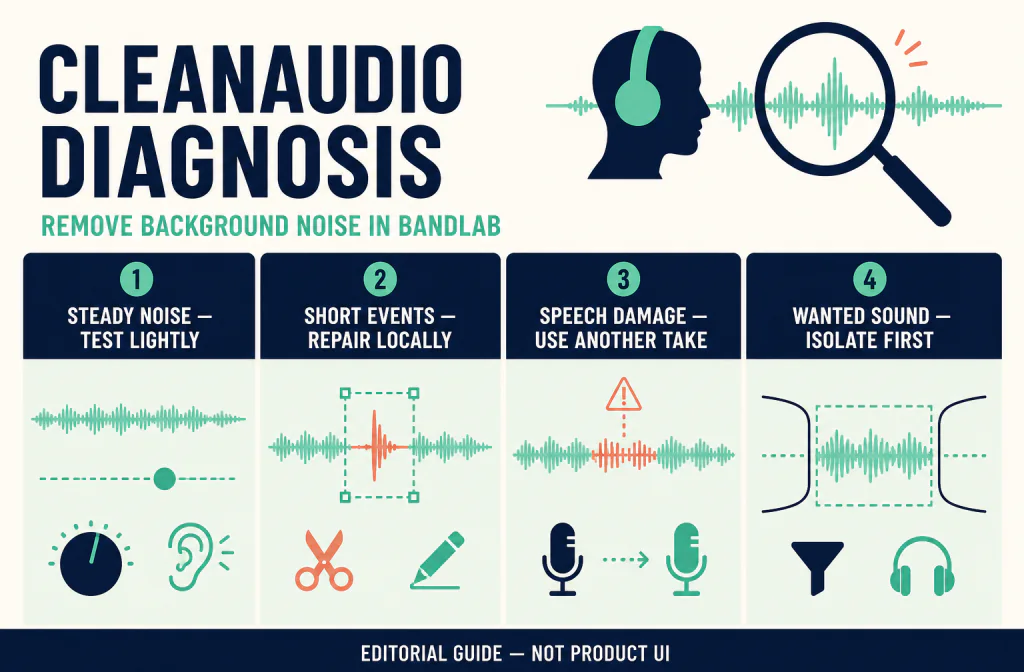
BandLab's noise-issues guide supports identifying the symptom before applying a gate. In the current Studio, use a Noise Gate only when the Fx control and gate option are available, then adjust it by listening to the actual passage. A gate is a level-based decision: it may make a hiss or hum less obvious in pauses, but it cannot safely separate a fan, street sound, music, or another person when those sounds overlap quiet speech.
Add a gate only after the Denoise test has a clear result. Start with the representative passage, raise the threshold only far enough to reduce the unwanted sound in gaps, and listen to soft words. If the opening of a phrase disappears, lower the threshold or remove the gate. The noise reduction versus noise gate guide provides a useful decision framework before you combine two different cleanup methods.
| What you hear | Better first path | What to protect |
|---|---|---|
| Steady low-level bed across a selected region | Denoise on a copied region | Natural voice tone and room continuity |
| Hiss or hum mainly between words | Noise Gate test on a duplicate track | Quiet consonants and breath endings |
| One pop, click, or handling bump | Local edit or another take | Neighbouring clean speech |
| Traffic or another voice under the words | Review the source and mix first | Speech that overlaps the unwanted sound |
| Clipped peaks or harsh distortion | Preserve the original and seek another source | Information missing from the capture |
Keep the effect order simple and review it in context
Do not stack Denoise, a gate, EQ, compression, and mastering merely because each can make the waveform look tidier. Every change should answer a named question: “Does this reduce the steady bed?” or “Does this control pauses without cutting words?” If a later effect only compensates for damage created by the first, return to the untreated region.
BandLab's noise guidance also distinguishes hum, hiss, pops, environmental noise, and clipping. That distinction matters. A high-pass or EQ decision may be relevant to low-frequency rumble, but it is not a generic solution for a competing conversation. A gate is not a repair for clipping. For a source you need to move between tools, preserve a WAV copy when your current platform and destination make that appropriate.
Export a named mixdown or track for review
BandLab's current Downloading Mixdowns and Tracks guide documents web Studio paths for Project > Download > Mixdown As and separate track exports. It also says that exporting only a segment or section of a project is currently unsupported. Choose deliberately: a mixdown is for reviewing the audible combined production; an individual-track export is safer when only the recorded voice needs an independent file comparison.
BandLab's supported import and export formats page lists different web, iOS, and Android formats. Check that current table before selecting a format, because device paths and available outputs differ. Export a named copy, keep the project version, and play the exported asset outside the Studio. Confirm its duration, channels, and the section you intended to review.
If the project includes video, perform a three-point sync check after a mixdown. The video/audio sync guide explains why a cue at the beginning alone is not enough. If the source was already an encoded video, the MP4 audio workflow helps separate an encoding change from the native cleanup decision.
Compare a saved-file handoff and reimport safely
If the BandLab-native version is not the strongest candidate, upload an authorized compatible copy to Noise Cleaner's audio-cleaning route. Check the current route requirements before choosing a file; BandLab export support does not prove a separate service accepts that file. Keep the BandLab project, original region, and native candidate available.
Download any returned file under a new name. Reimport it into a duplicate project or an adjacent track, line it up at a clear transient or spoken consonant, and compare it with the native version at similar perceived loudness. Confirm that duration, pitch, channel behavior, and the relationship to the rest of the mix remain correct. If it fails to align, do not stretch it or overwrite the project to force a match; inspect the export and handoff first.
Troubleshooting a result that sounds worse
| What happens | Likely cause | Safer next step |
|---|---|---|
| Voice becomes hollow or watery | Denoise changed wanted speech texture | Undo and use the original or a smaller test |
| First syllables vanish | Gate threshold is too high | Reduce the threshold or remove the gate |
| Silence sounds unnaturally abrupt | A gate is closing too hard | Retain more room tone or make a local edit |
| Music changes with the voice | Processing was applied to the mix | Work from the isolated audio region |
| Exported file differs from Studio playback | Different export scope or format | Check mixdown versus track export and replay the file |
| Reimport shifts the edit | A file property changed in handoff | Preserve timing and investigate before replacement |
Avoid repeating a failed cleanup on the output of the previous one. Returning to the source makes it possible to tell which action introduced the artifact.
Limitations and better alternatives
Denoise and a gate cannot guarantee a clean result from every recording. They cannot recreate clipped peaks, recover a word fully hidden under another sound, or turn a noisy room into a close-miked performance without tradeoffs. When the voice becomes less trustworthy, a local edit, another take, a backup track, captions, or accepting a small amount of background sound can be the better choice.
BandLab controls, device availability, memberships, and export options can change. Check the current Studio and official help pages instead of following an old interface image. Edit and upload only media you are authorized to use.
Frequently asked questions
Is Denoise a substitute for fixing the recording setup?
No. BandLab's own guidance recommends reducing noise at the source. Denoise is a post-recording option for a selected region, not a reason to ignore clipping, bad mic position, or a noisy environment.
Should I use Denoise and a gate together?
Only if each has a clear job and each remains acceptable when you compare the same speech passage. Denoise can address a baseline region sound; a gate controls lower-level gaps. Stacking them without review can remove wanted detail.
Can I export only the noisy ten seconds from BandLab?
BandLab's download guide says segment or section export is currently unsupported. Work on the region inside the project, then choose an appropriate whole-track or mixdown export for review.
When should I use a separate audio cleanup route?
After the BandLab-native candidate has been reviewed and a compatible exported copy is available. Use the audio file handoff as an additional comparison and reimport it next to—not over—the source.
Official sources and test notes
BandLab's supported platforms and system requirements and noise-issues guide support the environment and symptom-first review. Its mixdown and track-download guide and format table support the export discussion.
This guide does not report a first-party processing test, current UI screenshot, or before-and-after result. Recheck BandLab's current device-specific interface, export table, and the saved-file route before using any exact command or format in a production workflow.
Decision summary
Use Denoise first on a copied audio region, use a gate only for noise in gaps, and decide from the same spoken passage in the mix. Export a named track or mixdown for review, preserve the source project, and use a separate file comparison only when it can be reimported without changing the recording's important context.